


Small business automation: what to automate first
Small business automation hands a repeated task, such as lead follow-up, a welcome email, a support reply or an invoice reminder, to software that runs it on a trigger. Start with the task you repeat most often, and write its steps down before you pick a tool.
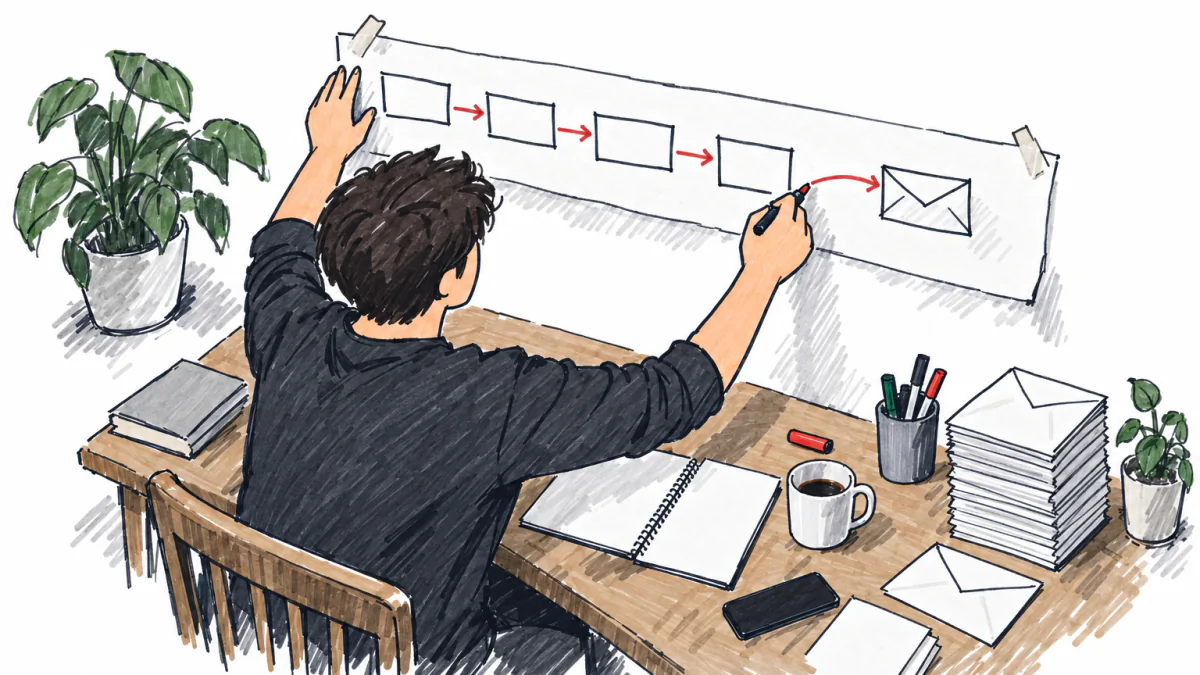
Where to start with automation
Write down your processes
List the tasks you do every week and note each step, who does it and which app it touches. A task with the same steps every time can be automated; a task that changes each time stays manual for now.
Pick the first task
Choose one flow close to revenue, like lead follow-up or payment reminders, and automate only that. Run it for a few weeks and fix what breaks before you add the next one.
Add email, onboarding and invoicing
Once the first flow works, set up a welcome email sequence, a client onboarding checklist and automatic invoice reminders. The guides in this group cover each one.
Check the cost against your margins
Automation tools charge a monthly fee that grows with users, contacts or runs. Enter it as a fixed cost and see whether the hours you save are worth more than the fee.
 Ask Fox
Guides by topic
A guide with a link is written and checked by the editor; one marked «soon» is being written.
Guides
- What to Automate First in Your Small BusinessYou will learn how to spot the repetitive tasks worth automating first and which ones to leave manual for now.soon
- Best Automation Software for Small BusinessCompare the automation software small businesses actually use and pick the right fit for your workflows and budget.soon
- Zapier vs. Make: Which Workflow Tool Fits Your BusinessHow Zapier and Make differ on pricing and power so you can connect your apps confidently.soon
- How to Document Your Processes Before You AutomateMap and write down how your work gets done so your automations run on a clean, tested process.soon
- How to Automate Lead Follow-UpSet up instant replies and reminders so you never lose a lead to slow follow-up.soon
- Email Marketing Automation for Small BusinessBuild welcome and win-back email flows that send themselves and keep your customers engaged.soon
- How to Automate Client OnboardingWelcome every new client with automatic emails and next steps that make you look organized from day one.soon
- How to Automate Invoicing and Payment RemindersSend invoices and payment reminders automatically so you get paid faster with less chasing.soon
- How to Recover Failed Payments AutomaticallyCatch declined cards and failed subscription charges with automatic retries and reminders before revenue slips away.soon
- How to Set Up Abandoned Cart EmailsRemind shoppers about items they left behind with automated emails that bring back lost sales.soon
- How to Automate Appointment Scheduling and RemindersLet clients book themselves and get automatic reminders so you cut no-shows and back-and-forth emails.soon
- Customer Support Automation for Small BusinessUse help desks and canned replies to answer customers quickly without hiring a support team.soon
- How to Automate Social Media for Your BusinessSchedule posts and recycle content so your social channels stay active while you work.soon
- How to Automate Tasks and Recurring ProjectsTurn recurring work into automatic tasks and checklists inside your project management tool.soon
- How to Set Up Automated Business ReportsGet your key sales and cash numbers delivered automatically instead of building reports by hand.soon
- AI Automation for Small Business: Where It Actually HelpsWhere AI agents and assistants add real value to your workflows and where simple rules work better.soon
- All-in-One Platform vs. Connected AppsDecide whether one integrated system or a stack of connected apps suits your business and growth plans.soon

The topic's terms and templates
One library for the whole site: the terms live in the Glossary, the files in Templates.
Terms
Templates
What does the step for you
The Lab's tools and Go to market on the section's topic.
Questions
What should a small business automate first?
Start with the task you repeat most often with the same steps, such as lead follow-up or invoice reminders. If the steps change every time, keep the task manual until they settle. The guides cover documenting a process and choosing the first task.
Is social media automation worth it for a small business?
Scheduling posts in batches removes the daily posting work, and most scheduling tools queue one post for several networks at once. Replies and direct messages still need a person, because canned replies are easy to spot. Automate the calendar and answer people yourself.
How does email marketing automation work?
You set a trigger, such as a signup or an unpaid cart, and the tool sends a prepared sequence of emails. Build one welcome sequence and one post-purchase follow-up before you add more. The email marketing automation guide in the guides walks through the setup.
Can I automate customer support without frustrating customers?
Automate the answers customers want fast: order status and the questions you get every week. Send refunds and anything your help page does not cover to a person, and show clearly how to reach one. A help page with your common answers is the cheapest place to start.
Zapier or Make: which one should I choose?
Choose Zapier if you want the quickest setup and all your apps are on its list. Choose Make if your flows have branches and many steps and you are fine learning a visual editor. Compare both at the number of runs you expect per month; the comparison guide in the guides covers the details.
Will automation bring my business more customers?
Automation saves time on work you already do and makes follow-up more consistent. It does not create demand. Finding customers stays your job, so check that people want what you sell with the business idea validator before you pay for tools.

How we made this page. The list of guides is our map of this sub-hub's topics: a guide with a link is written and checked by the editor, the others are planned. The terms and templates come from the site's one library, and this page lists the ones its topics need. Prepared on 15 October 2026.
Kirill Smolin, editor
It all starts with a check
Check an idea for free, get a concept and go to market — and the project gets its map.